
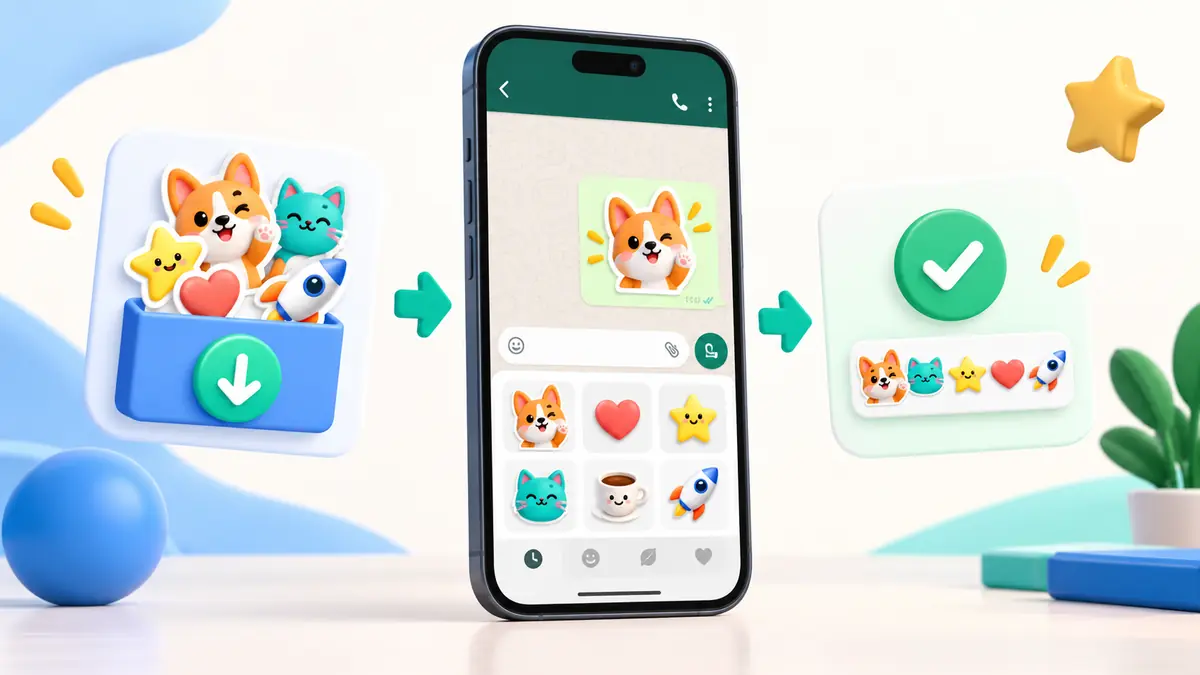
Stickers make conversations more personal because one image can communicate a reaction quickly. Each Matnov pack is organized with a clear name, icon, and image count.
Open your chosen pack, review the gallery, and select Add to WhatsApp. On Android, the link opens the Matnov Sticker companion app to complete installation.
WhatsApp requires at least three images in a pack. Keep WhatsApp updated and make sure storage space is available. Use only matnov.com or the official app.
Confirm Add when prompted. The pack will appear in the sticker tray. Restart WhatsApp if it is not immediately visible.
Free packs can be downloaded directly. For paid or custom packs, contact Matnov Studio through WhatsApp.